How to Change the Container
This section shows how to change the *Container for a module on a page.
Steps to Change the Container
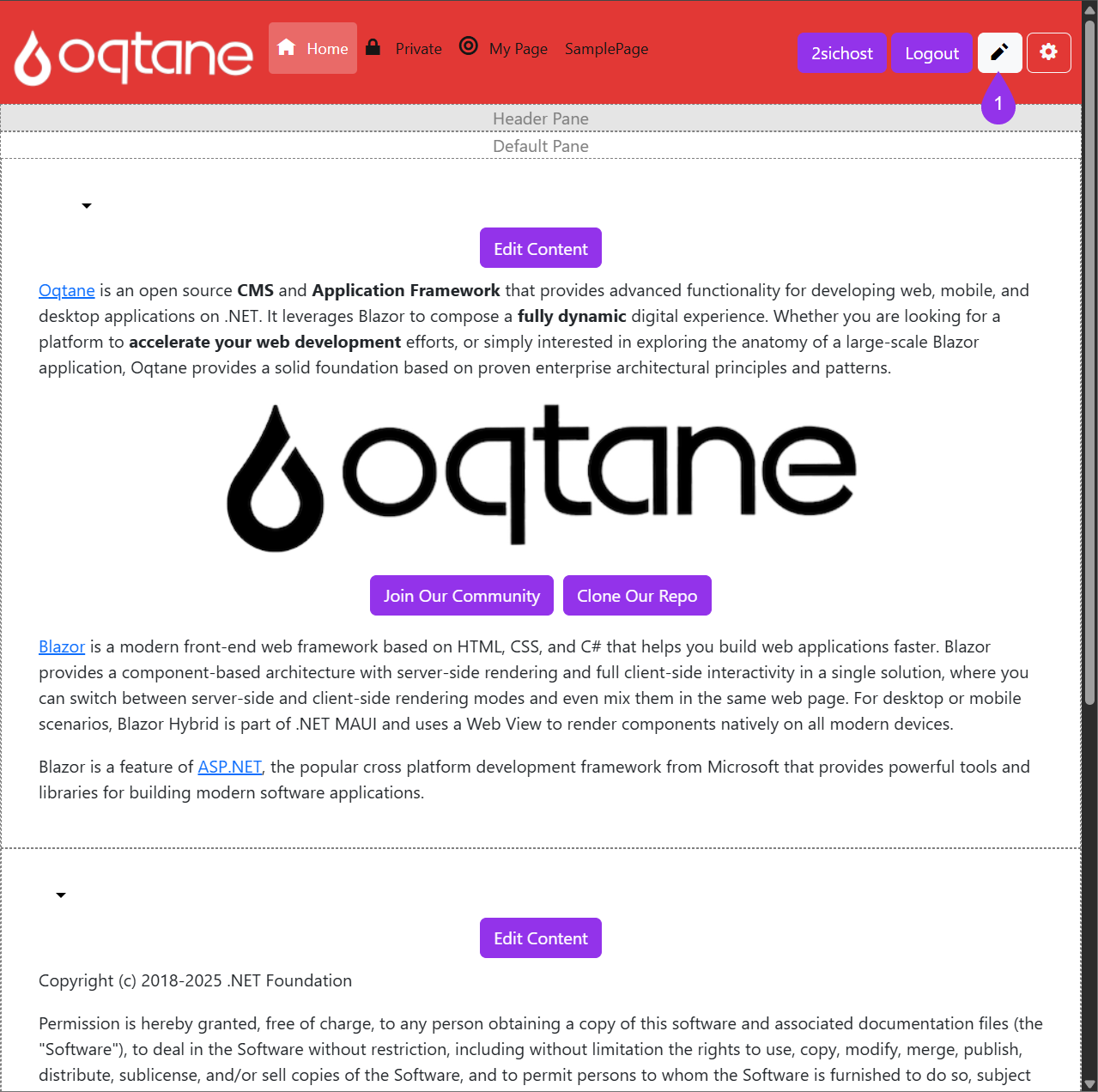
Go to the page containing your module and click the Edit icon (pencil) to enter edit mode.
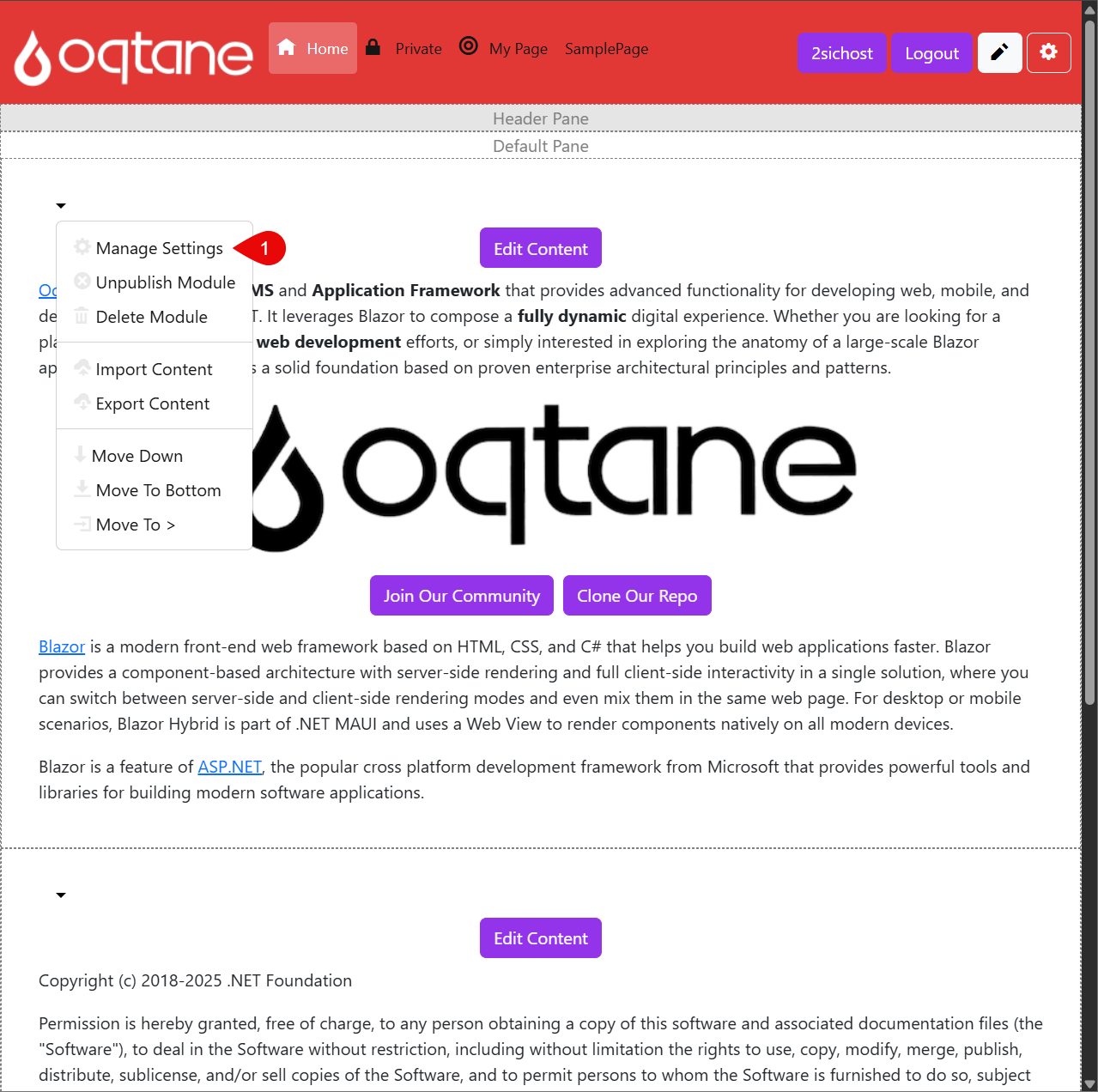
Click the dropdown arrow next to the module, then select Manage Settings.
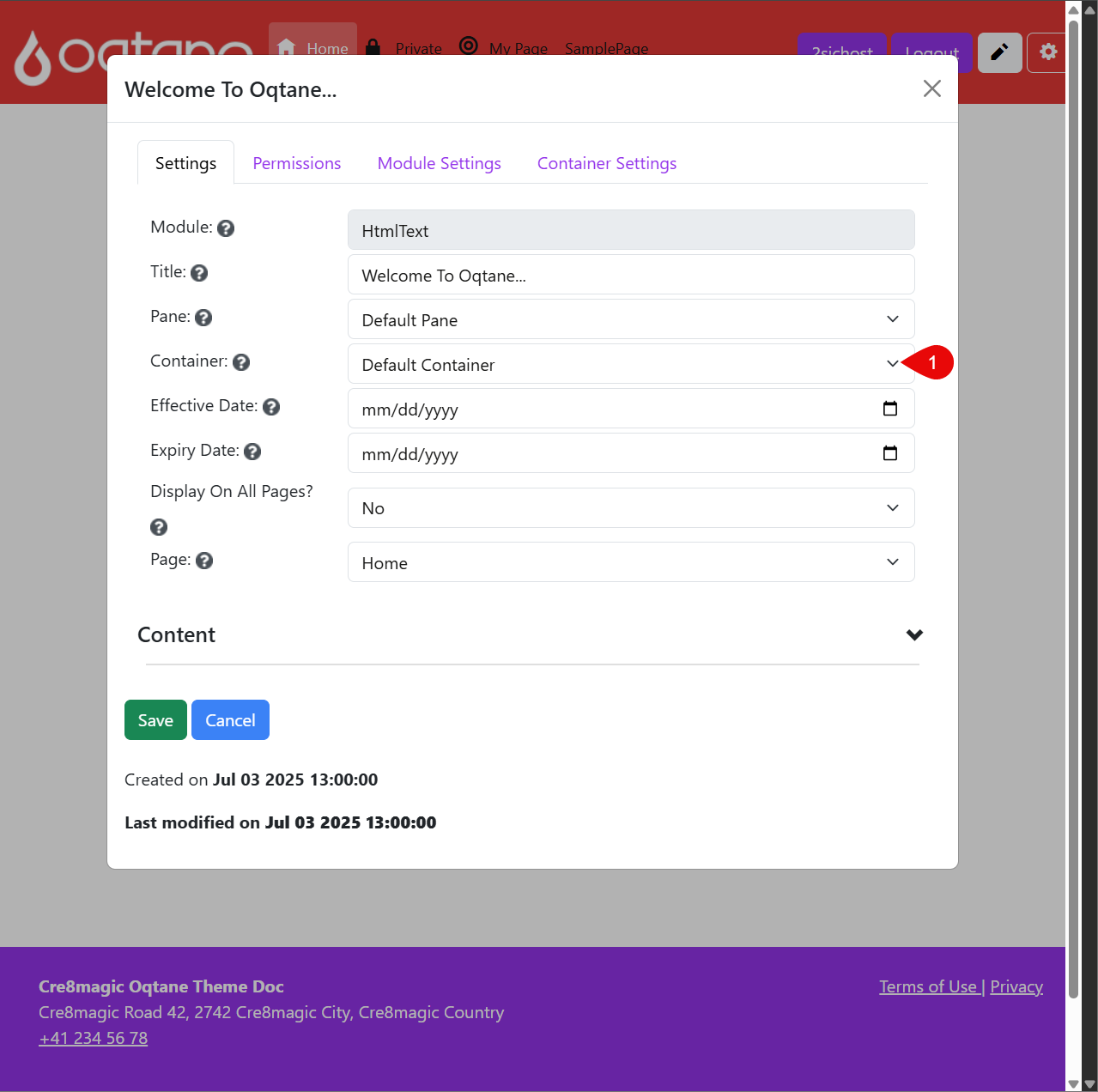
In the module settings dialog, choose a different Container from the dropdown list. This will affect how the module is displayed visually.
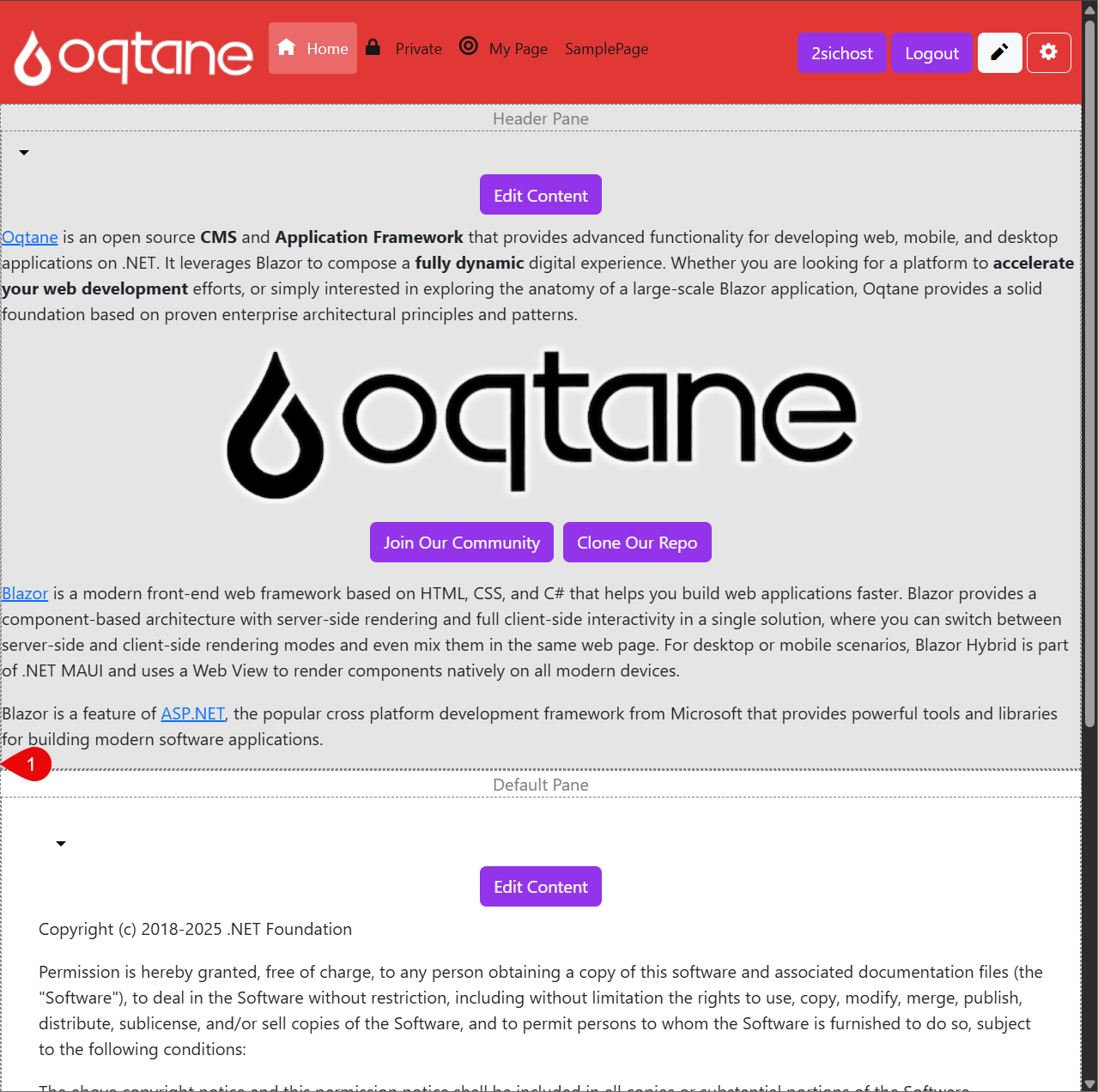
Click save and close the Dialog to see the Changes